
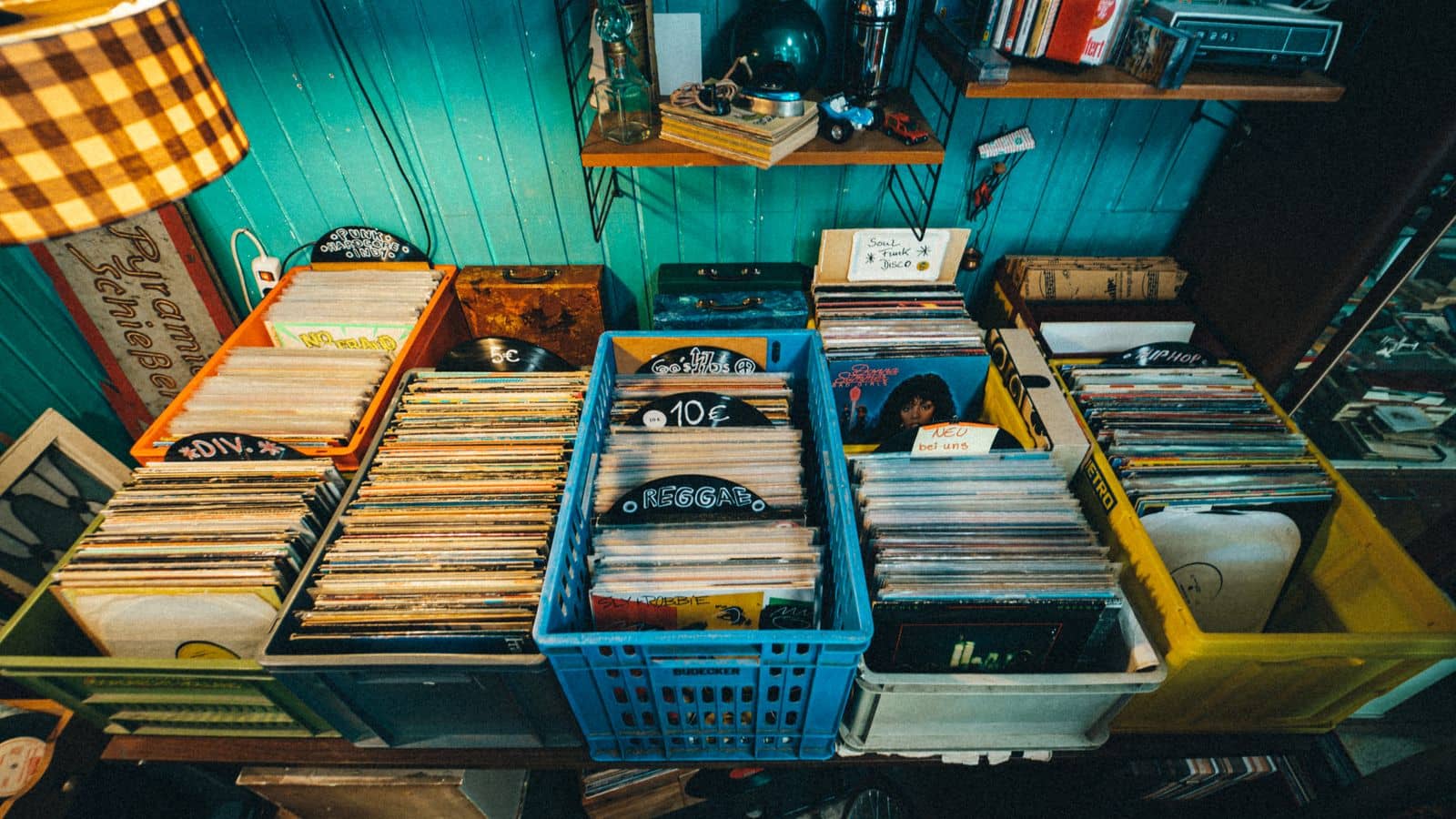
The co-headliner is running 40 minutes late. The promoter hands you a USB stick "to bridge the gap." The folder is named stuff. Eight hundred tracks inside, bitrates jumping from 96kbps to lossless with no pattern, half of them missing artist tags, and one track — you'll find this out mid-set — saved three separate times under three different filenames.
That drive is what happens when nobody thinks about how to build a dj music library — it just accumulates. Every promo email, every "check this out" link, every free download from a forum in 2019, dumped into one folder with no filter and no plan. It's not a small library. It might even be a big one. It's also useless the moment you need something specific in under ten seconds, which is the only moment a DJ library actually gets tested.
Most working DJs already think they know how to build a dj music library — the theory isn't the hard part. In practice, it happens one gig at a time, one download at a time, over years, which is exactly how the same mess happens slowly instead of all at once. Nobody sits down and decides to build a stuff folder. It just ends up that way when every acquisition decision gets made in isolation, with no filter running underneath it.
A library's job is being useful under pressure, not being big
Here's the opinion this article rests on: track count is a vanity metric until a filter sits behind it. Catalog size only matters once you know how much of it you can actually use, in your genres, at gig speed. A DJ with 2,000 tracks that are all gig-ready beats a DJ with 20,000 tracks where three-quarters are duplicates, dead links, or a big-room electro phase from a festival you played once in 2018.
The counter-argument sounds reasonable on paper — more tracks means more options for whatever the room throws at you. Sure, until "more options" means scrolling past four hundred tracks you don't remember downloading to find the one you actually need. An option buried under clutter isn't an option. It's dead weight between you and the track you can find, which is usually the one you played last week because it's still sitting in a recent-adds folder.
None of this means download less. It means download on purpose. The rest of this piece is about the filter, not the faucet.
Where do DJs actually get their music?
Most working DJs pull from three lanes, and the mistake is treating them as interchangeable when they serve different jobs.
- Digital stores — pay-per-track platforms give you full-quality, permanently-owned files with clean metadata already attached. Good for the tracks you know you'll play for years, bad as your only source if you play four gigs a week and need volume. This is also the lane where the download-everything trap does the most damage, since every track is its own decision with no curator filtering the pile before it reaches you.
- Curated pools and promo lists — a record pool model exists specifically to solve the volume problem: a steady, filtered stream of new and remixed tracks instead of hunting one release at a time. The tradeoff is you're trusting someone else's curation, so the pool's taste needs to actually match your genres, and "filtered" only helps if you're not immediately un-filtering it by grabbing everything they send anyway.
- Streaming, for discovery only — great for hearing what's moving before you commit to owning it. Terrible as a source for the actual set, and the next section explains exactly why.
None of these three lanes is wrong. The mistake is running all three at once with the same lack of discipline — three open taps instead of one filtered stream. The working answer for most DJs is a mix of the first two, weighted toward whichever gets you fresher tracks in your specific lanes without a three-hour digging session every week, with streaming feeding decisions into the other two rather than skipping the queue itself.
The download-everything trap (and how to filter before it starts)
Sunday night, prepping for Saturday. You open a store, fill a cart with a dozen tracks that all sounded promising in a thirty-second preview, and check out without a second look. By the time you're done you've grabbed three you'll play once and never again, two remixes of tracks you already own at a different tempo, and one that turns out to be in a key that clashes with everything else in the set. None of that is a buying mistake. It's a filtering mistake — the cart got built before any question got asked, and that's exactly what happens to a library with no staging step between "interesting" and "downloaded."
The fix is a single staging habit: nothing goes into the real library until it's been previewed and it passes three questions. Does it fit a genre you actually play? Is there already a version of this track — an edit, a remix, an original — sitting in the library? Would you actually reach for it at a gig this month, not hypothetically, not "maybe for a festival someday"?
Two of those three "no"s and it doesn't make the cut. This is the part that separates a working library from an archive: the archive says yes to everything, the library says yes to what earns a slot.
Tag it before it counts as part of the library
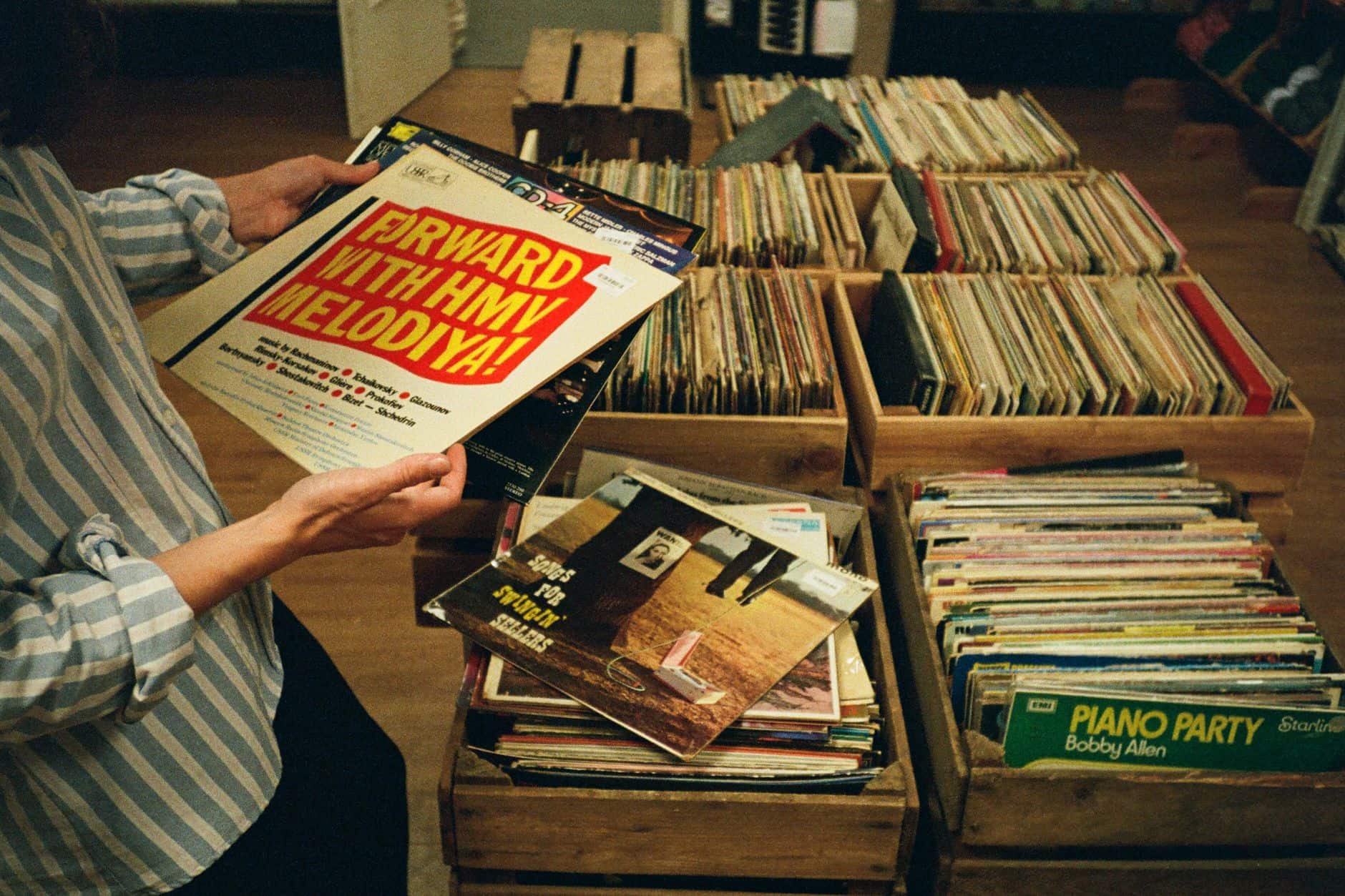
A track sitting in a folder with no metadata isn't in your library yet. It's in transit. Genre, BPM, and key are the baseline — every major piece of DJ software will auto-detect most of it, but auto-detection gets tempo wrong often enough (a track analyzed at half or double its real BPM is a known failure mode) that a manual glance before a gig is worth the ten seconds.
Beyond the basics, tag for energy — a short label like "warm-up," "peak," or "cool-down" turns a genre folder into something you can actually build a set from instead of just browse. And flag edit type while you're at it: is a track the original, a club edit, or a clean radio version? That single tag answers "can I play this at a corporate gig with a no-profanity clause" before you're standing at the booth finding out the hard way.
Key is the tag most working DJs skip, and it's the one that pays off the moment you try to mix two tracks that technically match in tempo but fight each other harmonically. You don't need to learn music theory for this — the Camelot wheel notation most software already displays is a lookup, not a skill, and tagging by it takes the same ten seconds as everything else on this list. Skip it long enough and you'll eventually build a transition that's technically beatmatched and still sounds like two arguments happening at once.
None of this needs to happen the moment a track lands. It needs to happen before the track counts as available — which is a different bar than "downloaded."

Is streaming enough to build a DJ music library?
Streaming apps are genuinely good at one job: surfacing what's moving before you'd otherwise hear it. Following labels, artists, and playlists in your lane is a legitimate discovery pipeline, and pretending otherwise is just gatekeeping for no reason.
Where it falls apart is the booth. Club and venue wifi is not something to build a set around, a streaming catalog can pull a track without warning when licensing shifts, and the audio itself is rarely the same file quality you'd get from a store or pool. Discovery and playout are different jobs. Use streaming to find the track. Own the file — with real metadata attached — before it goes anywhere near a set.
There's a durability angle here too. A streaming catalog is a rental — the label can pull it, the platform can drop a track over a licensing dispute, and none of that is under your control. A library of owned, tagged files with a real backup behind it survives all of that. It's slower to build. It's also still there next year.
Prune on a schedule, or your library becomes someone else's stuff folder
Libraries don't stay clean by accident. A track added for one gig two years ago is still sitting there, still surfacing in searches, still one misclick from getting dragged into tonight's set by mistake. The rot is quiet — nothing announces that a chunk of the library has gone stale, it just slowly stops being useful without telling you.
Twenty minutes a month is the actual maintenance cost: clear out duplicates, drop anything you haven't touched in a year and wouldn't miss, and confirm nothing's a dead link after a laptop swap or a drive migration. Lock the tracks you've finished tagging so an accidental re-analysis or a bad drag doesn't quietly undo the work, and keep a real backup off the laptop — a drive that dies the night before a gig doesn't care how good your tagging system was.
Skip the maintenance for a year and the download-everything trap wins anyway, just slower — the library quietly turns into the exact USB stick that started this article, except you built it yourself, one unfiltered download at a time. Digital hoarding doesn't announce itself with a mess on the floor. It just waits until 1 AM to introduce itself.
Frequently asked questions
How many tracks do I actually need to start gigging?
Fewer than you think, as long as they're gig-ready. A tight few hundred tracks across the genres you actually book, properly tagged, beats a scraped-together 10,000-track dump every time. Volume is the thing you grow into, not the thing you start with.
Can I build a dj music library with streaming alone?
For discovery, yes. For the actual set, no — venue wifi, licensing gaps, and inconsistent audio quality make streaming a bad primary source for gig-ready files. Use it to find tracks, then own the file before it goes in a set.
What's the fastest way to get new music without drowning in promo emails?
A curated pool with real filtering beats a stack of promo lists you have to sort through yourself. The whole point of curation is replacing forty emails a week with a shorter, more relevant stream — if a source isn't doing that, it's adding noise, not solving it.
How often should I clean out a dj library?
Monthly, in short sessions, beats an annual deep clean. Twenty minutes a month catching duplicates and dead links is manageable. Let it go for a year and the cleanup turns into a weekend project you keep postponing.
A filtered, tagged, regularly-pruned library isn't glamorous work. It's also the difference between reaching for the right track in ten seconds and stalling in front of a room while you scroll. Build the arsenal on purpose and the only thing left to get right on the night is the call itself.
If you want to hear what it sounds like once someone's actually learned how to build a dj music library instead of just accumulating one, the sets are on the homepage. The piece on how to organize Serato crates picks up where this one leaves off — once the library's filtered, that's how you structure it for speed — and dj edits vs original tracks goes deeper on the tagging distinction that saves a set more often than people expect. More breakdowns like both live on the blog.
Image credits. All photos via Pexels under the Pexels free-to-use licence. Hero: Volker Thimm. Inline 1: Kristina Bekher. Inline 2: FOERDER ZONE. Inline 3: Nano Erdozain.